Press release · 2026-11-13 · Cybersecurity & IT
CompTIA A+ Hardware Troubleshooting: What Should You Check First?
A computer won't start. A laptop battery drains too quickly. Todd Michael's guide puts the focus on safe checks and sensible next actions.
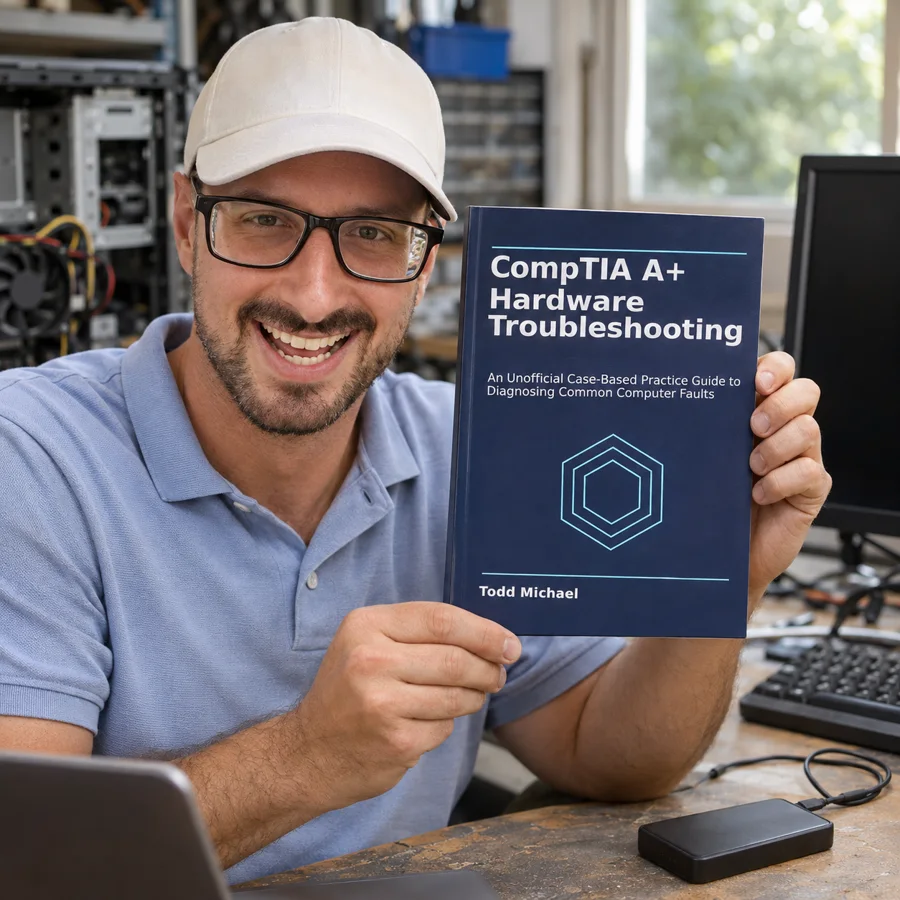
A computer won't start. A laptop battery drains too quickly. An external drive appears on one machine but not another. Where do you begin?
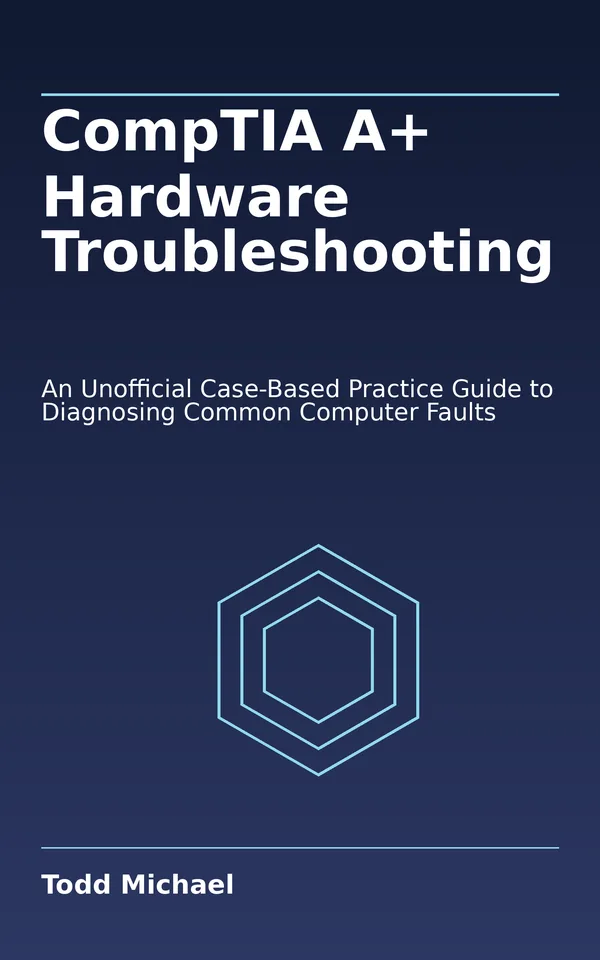
CompTIA A+ Hardware Troubleshooting takes readers through original support cases covering desktops, laptops, storage, displays, and peripherals. Each scenario moves from reported symptoms through safe checks and evidence gathering to a likely cause and a sensible next action. Readers practice separating symptoms from assumptions, avoiding unnecessary replacements, and knowing when to escalate.
Designed for CompTIA A+ candidates and new support technicians, Todd Michael's guide offers focused hardware reasoning practice rather than replacing a complete certification study guide. It is an independent, unofficial guide and is not endorsed by or affiliated with CompTIA.
CompTIA A+ Hardware Troubleshooting is out now and available in our store.
About Todd Michael
Todd Michael is an American author and the founder of ToddMichael.tv. He writes practical, plain-English books on money, health, preparedness, technology, games, humor and more.