Everyday Guidebooks
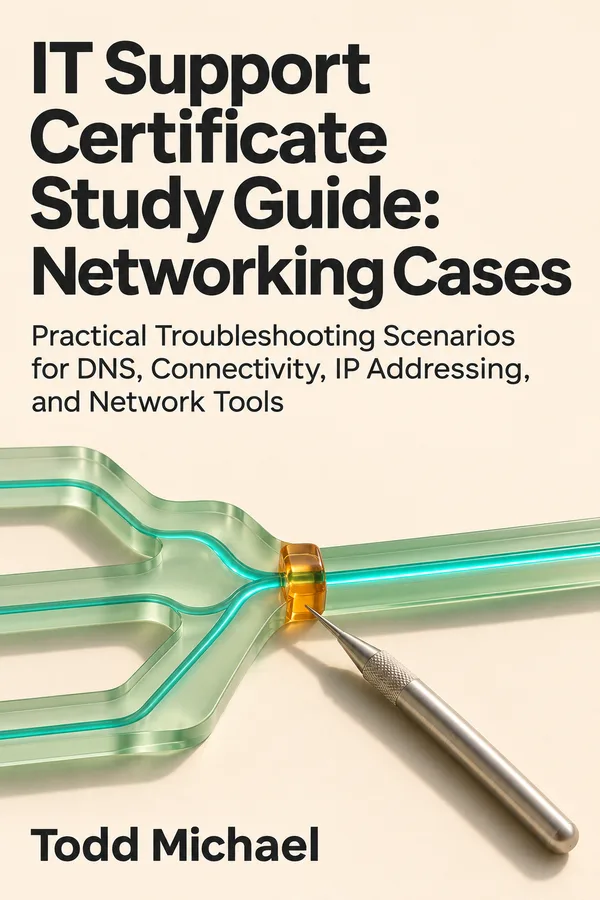
Cover of IT Support Certificate Study Guide

Cybersecurity & IT

IT Support Certificate Study Guide: Networking Cases

Practical Troubleshooting Scenarios for DNS, Connectivity, IP Addressing, and Network Tools

by Todd Michael

Available now

A user can reach one website but not another. A laptop connects to Wi-Fi but cannot get an address. Where do you start?

IT Support Certificate Study Guide: Networking Cases helps you practice answering that question through original, realistic support scenarios. Follow the evidence as each case moves from a user’s report to targeted checks, a diagnosis, and verification of the fix. Along the way, you’ll work with name resolution, connectivity, IP addressing, and common network tools such as ping, traceroute, and nslookup.

Questions and explained answers in every case help you test your reasoning rather than simply memorize definitions. Whether you’re changing careers or strengthening help desk fundamentals, this guide gives you a practical way to study.

Searching for a google it support professional certificate study guide? Use these independent cases to reinforce your networking knowledge. This book is not affiliated with or endorsed by Google.

Contents
  1. 1. The Troubleshooting Approach
  2. Start with the User’s Experience
  3. Scope the Problem
  4. Establish a Baseline
  5. Form a Testable Hypothesis
  6. Test One Idea at a Time
  7. Verify the Fix, Not Just the Setting
  8. Introductory Case: A Name That Will Not Resolve
  9. A Repeatable Mindset
  10. 2. Connected to Wi-Fi, but Nowhere to Go
  11. The Case: A Laptop That Appears Connected
  12. Step 1: Separate Association From Network Access
  13. Step 2: Inspect the Local Configuration
  14. Step 3: Test the Gateway
  15. Step 4: Compare the Wireless Context
  16. Step 5: Restore Service and Escalate
  17. Questions and Explained Answers
  18. A Practical Pattern to Remember
  19. 3. The Cable That Looked Fine
  20. 4. The Self-Assigned Address
  21. 5. Two Devices, One Address
  22. 6. The Subnet Mask Mismatch
  23. 7. A Gateway That Cannot Be Reached
  24. 8. The Website That Opens by IP
  25. The Initial Report
  26. What Name Resolution Does
  27. Establishing the Laptop’s Configuration
  28. Asking DNS Directly
  29. A Controlled Correction
  30. Reading Lookup Results Carefully
  31. Why the IP-Address Test Has Limits
  32. Practice Questions
  33. Explained Answers
  34. 9. The Stale Name Resolution
  35. 10. Ping Works, but the Service Does Not
  36. 11. Following the Route
  37. 12. The Shared Printer Disappears
  38. 13. The VPN Changes the Picture
  39. 14. Final Case: Several Clues, One Support Ticket
  40. Other Books by Todd Michael

Read a sample: Start with the User’s Experience

Users usually describe a symptom in the language available to them. “The internet is slow” may mean that one page takes a long time to load. “The Wi-Fi is broken” may mean that a laptop is connected to wireless but cannot reach a particular service. Treat the report seriously without accepting its implied cause as established fact.

Begin by asking the user to show or describe what happens:

- What were you trying to do? - What did you expect to happen? - What happened instead? - When did you first notice the problem? - Does it happen every time? - Is the problem limited to one application, website, device, or location? - Does anything related still work? - What is the exact error message, if one appears?

The exact wording of an error can be valuable, but it is also important to record the action that produced it. “Connection failed” after opening a browser is less informative than knowing which address the user entered, whether the page ever loaded, and whether another page opened from the same device.

Ask about recent changes without assuming that a change caused the incident. A user may have moved desks, joined a different wireless network, restarted a computer, or received a software update. Such details provide leads to test. A change that happened before a failure is not automatically the reason for it.

Be attentive to the user’s immediate needs as well. If a team cannot access a critical service, the scope and impact may justify prompt escalation even while initial evidence is being gathered. Troubleshooting is not a contest to solve every issue alone.

More Cybersecurity & IT

Cover of The White Hat Bible, Volume 1The White Hat Bible, Volume 1Available nowCover of The White Hat Bible, Volume 2The White Hat Bible, Volume 2Available nowCover of The White Hat Bible, Volume 3The White Hat Bible, Volume 3Available nowCover of The White Hat Bible, Volume 4The White Hat Bible, Volume 4Available nowThe White Hat Bible, Volume 5Available nowCover of The White Hat Pocket GuideThe White Hat Pocket GuideAvailable now

About Todd Michael

Todd Michael is an American author and the founder of ToddMichael.tv. He writes practical, plain-English books on money, health, preparedness, technology, games, humor and more.

About the author Todd Michael · Todd Michael’s author site

Part of the ToddMichael.tv network.




